Looking for an Air Video HD alternative?
Air Video HD ran a small server on your Mac or Windows PC and let you watch whatever was in your folders from an iPhone, iPad or Apple TV. It converted AVI and MKV files on the fly, so you never had to think about formats. The iOS app's last update, version 2.2.1, was on April 26, 2016, and as of August 2026 the US App Store no longer carries it. If you still use it, or used to and want that workflow back, this page explains what Neo Video does the same way, what it does differently, and what it does not do at all.
Neo Video is an independent project. It is not affiliated with or endorsed by Air Video HD or its developers.
What stays the same
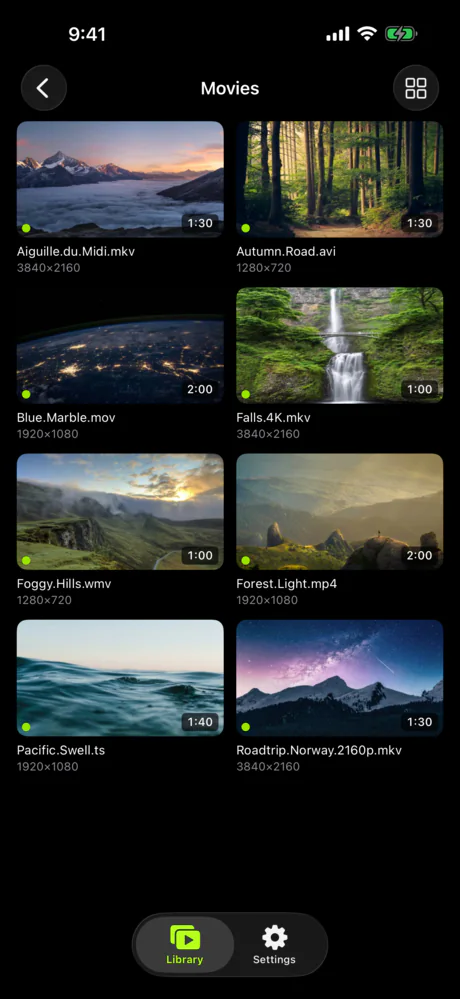
The setup works much like Air Video HD's. Neo Video Server runs on the computer that holds your files (Mac, Windows or Linux), and the Neo Video app on your iPhone, iPad or Apple TV connects to it over your home Wi-Fi. The Apple TV app is native, so the TV talks to the server directly. There is no phone in the middle and nothing to mirror.
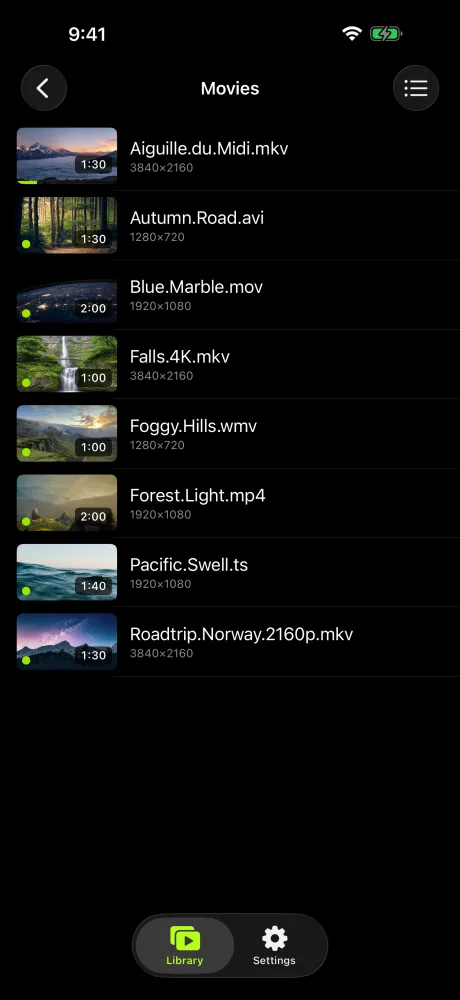
Folders are the library. You pick the folders to share, and they appear in the app as they are on disk, subfolders included. Neo Video does not scan your files into a database, fetch posters or rename anything. If you kept Air Video HD because you liked browsing your own folder structure, that part carries over unchanged.
Format handling works much as it did in Air Video HD. MP4, MOV, MKV, AVI, WMV, FLV and TS files play. When the device can play the file as it is, the server streams it directly at full quality. When it cannot, the server converts on the fly to an H.264/AAC stream that Apple devices accept, similar to Air Video HD's live conversion. The Mac and Windows servers ship with ffmpeg for this; on Linux you install it with your package manager.
The app finds the server on its own using Bonjour, and each server can have its own password. There is no Neo Video account to create, and nothing about your library or what you watch leaves your network.
What is different
Photos
Neo Video treats a folder of photos the same way it treats a folder of videos. Open one and it is an album you can browse, zoom into or play as a slideshow, on the phone or on the TV. JPEG, PNG, HEIC and the other common image formats open without converting. Air Video HD was video only.
Android
Air Video HD's apps were Apple only. Neo Video also has Android and Android TV apps. One Google Play purchase of the Neo Video app covers both Android and Android TV.
Remote access
Air Video HD reached your server from outside the house with a Server PIN: the server opened a port on your router ("Enable Access from Internet" plus automatic port mapping), and the app looked the server up by its PIN. We have not been able to confirm whether that lookup service still runs.
Neo Video has no equivalent. To watch away from home you use a VPN you control, such as Tailscale or an existing home VPN, and the app connects as if it were on your home network. The remote access guide explains the VPN route step by step.
Downloads
Air Video HD's Offline Mode saved a converted copy to the device for viewing without a network. Neo Video does not download from the server. The closest thing is the "Show Local Folders" setting, which lets the app play files you have already put on the iPhone or iPad through the Files app, including files on a connected external drive. You copy the files over yourself; the app does not sync them.
Conversion limits
Neo Video converts a file when the device cannot decode it, but it does not lower the bitrate for slow connections or old TVs. On a home Wi-Fi network this rarely matters; over a slow VPN link from a hotel it can.
User accounts
Air Video HD supported multiple user accounts on one server. Neo Video has one password per server and no per-user profiles.
Chromecast
Air Video HD supports Chromecast. Neo Video does not support Chromecast and does not plan to, because casting requires the app and the TV to talk to Google's servers. Neo Video has its own Apple TV and Android TV apps instead, and AirPlay from an iPhone works.
Moving over
Your files do not move. Install Neo Video Server on the same computer that ran Air Video Server HD, open its settings, and add the same folders you shared before. Then install Neo Video on your iPhone, iPad or Apple TV. The server should appear on the first screen; if it does not, the connection guide lists the usual causes (local network permission on iOS, firewalls, routers that block Bonjour). You can keep Air Video HD installed while you try it. The free tier is enough to confirm that your files play on your devices before you pay anything.
Who should not switch
Neo Video does not do the following today. We will update this page if that changes.
- You want to watch away from home without a VPN.
- You download videos to watch on planes.
- You need the server to shrink video for a slow link.
- You want several people to have their own accounts on one server.
- You cast to a Chromecast.