Your library, on every screen you own.
Anyone can easily enjoy the videos and photos stored on their computer across phones, tablets, and TVs at home through a private media server.
Free to try · unlock everything for $5.99
For iPhone, iPad, Apple TV, Android phones and tablets, and Android TV


Three easy steps
- 1
Install Neo Video Server on the computer with your videos
Install Neo Video Server, a server built just for playing media, on the Mac or Windows PC where your videos and photos are stored.
- 2
Add folders in the settings page
Click the Neo Video icon
 (on Windows,
  ) in the menu bar or system tray and choose “Open Settings”. In the settings page that opens, use “Add folder” to pick your video and photo folders.
 - 3

Install the app on your phone or TV and open it
Install Neo Video from the App Store or Google Play. If the device is on the same Wi-Fi as the server, the server appears under “On This Network”. Pick it and enjoy the videos and photos stored on your computer.


A modern alternative to Air Video HD
Air Video HD showed a generation of iPhone users how good watching your own files could be: a small server on your computer, a beautiful player in your pocket. Neo Video is our tribute to that idea, built from scratch for the people who love that workflow, with privacy as the first principle. We also extended that workflow to your photo archive.
Neo Video is an independent project, not affiliated with or endorsed by Air Video HD or its developers.
Coming from Air Video HD? What stays the same and what changes
Privacy First
Neo Video deliberately does not implement accounts, metadata fetching, cloud sync, or crash analytics. Thumbnails, filenames, logs, and personal information are not sent to or censored by us or any third party.
No Library Management
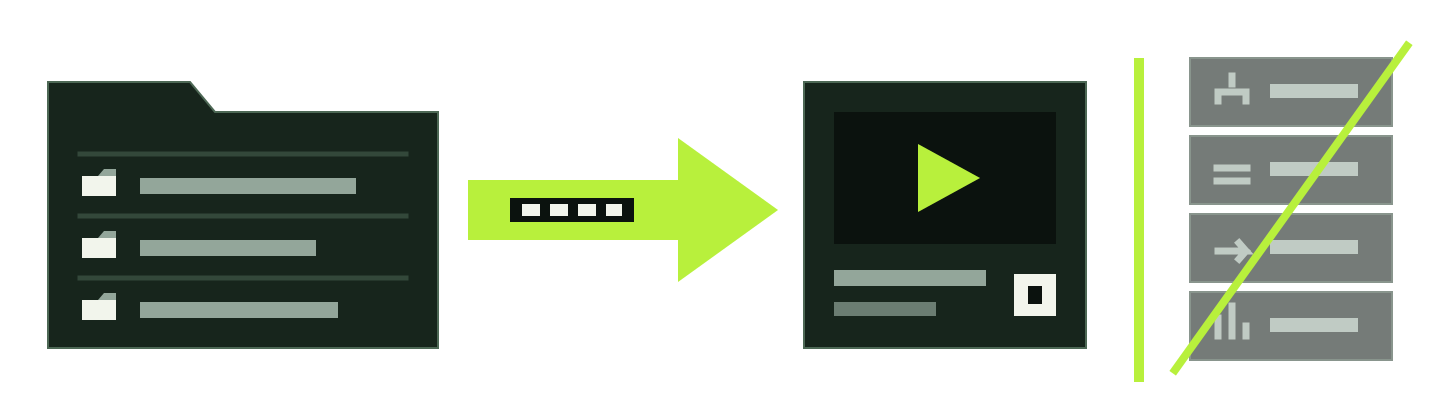
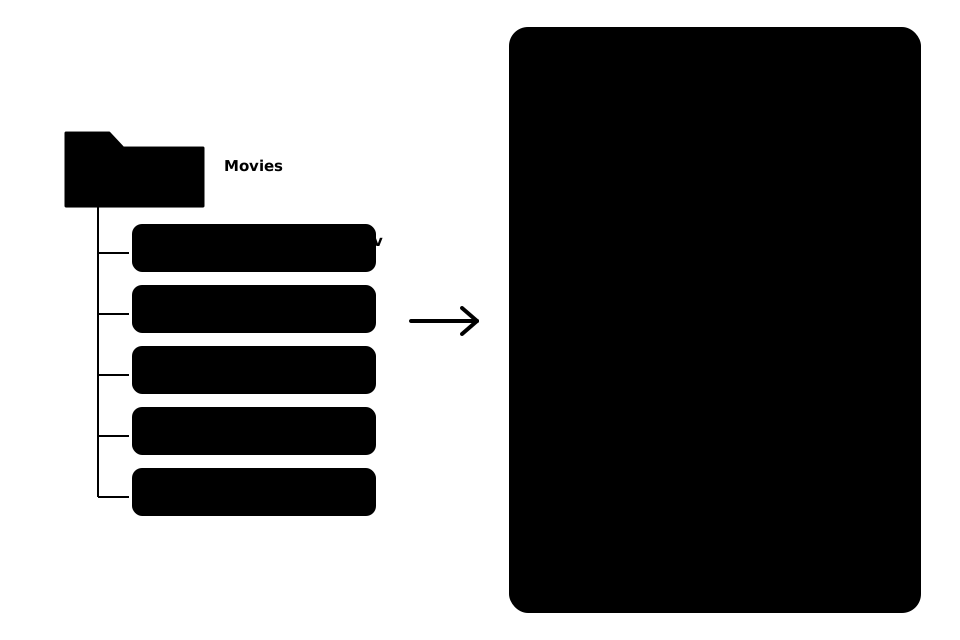
Neo Video has no library of its own. Folders appear exactly as arranged in Finder or File Explorer, without indexing delays, background scans consuming disk I/O, or a stale database.
Neo Video keeps the experience focused on simply watching your videos, without tags, ratings, or a home screen filled with unwanted recommendations.
Plays Most Video Formats
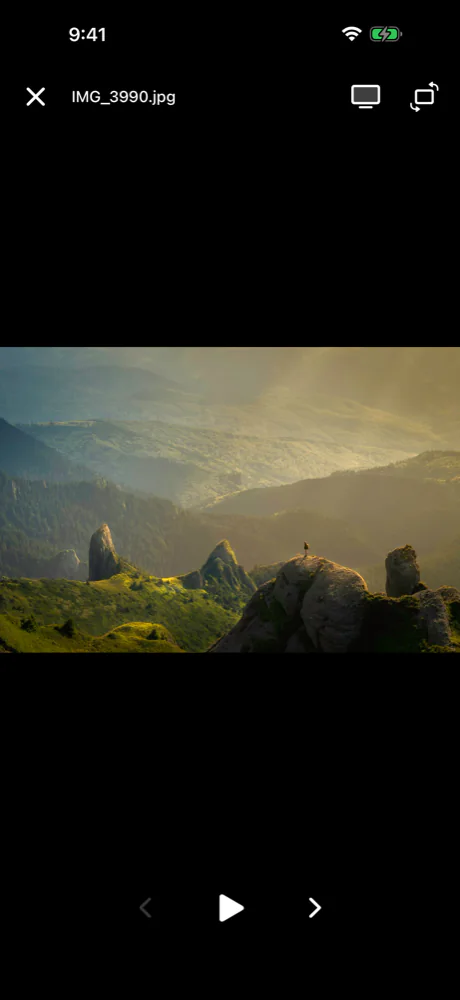
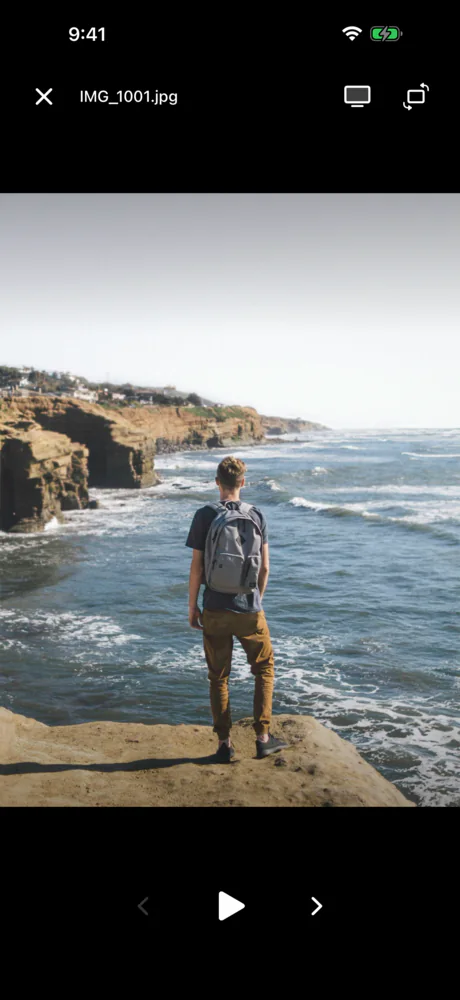
Neo Video plays files saved for picture and sound quality, including MKV, HEVC Main 10, HDR10, and AC-3 or E-AC-3 5.1 audio. It also displays photos.
- Video containers
- MKV / MP4 / MOV / AVI / WMV / FLV / TS / MTS / M2TS / WebM
- Video
- H.264 / HEVC / HEVC Main 10 / AV1 / VP9
- HDR
- HDR10 / BT.2020 / PQ
- Multichannel audio
- AAC / AC-3 / E-AC-3 5.1 / FLAC / ALAC
- Photos
- JPEG / PNG / HEIC / HEIF / AVIF / WebP / TIFF / BMP / GIF
Your library, beautifully boring.
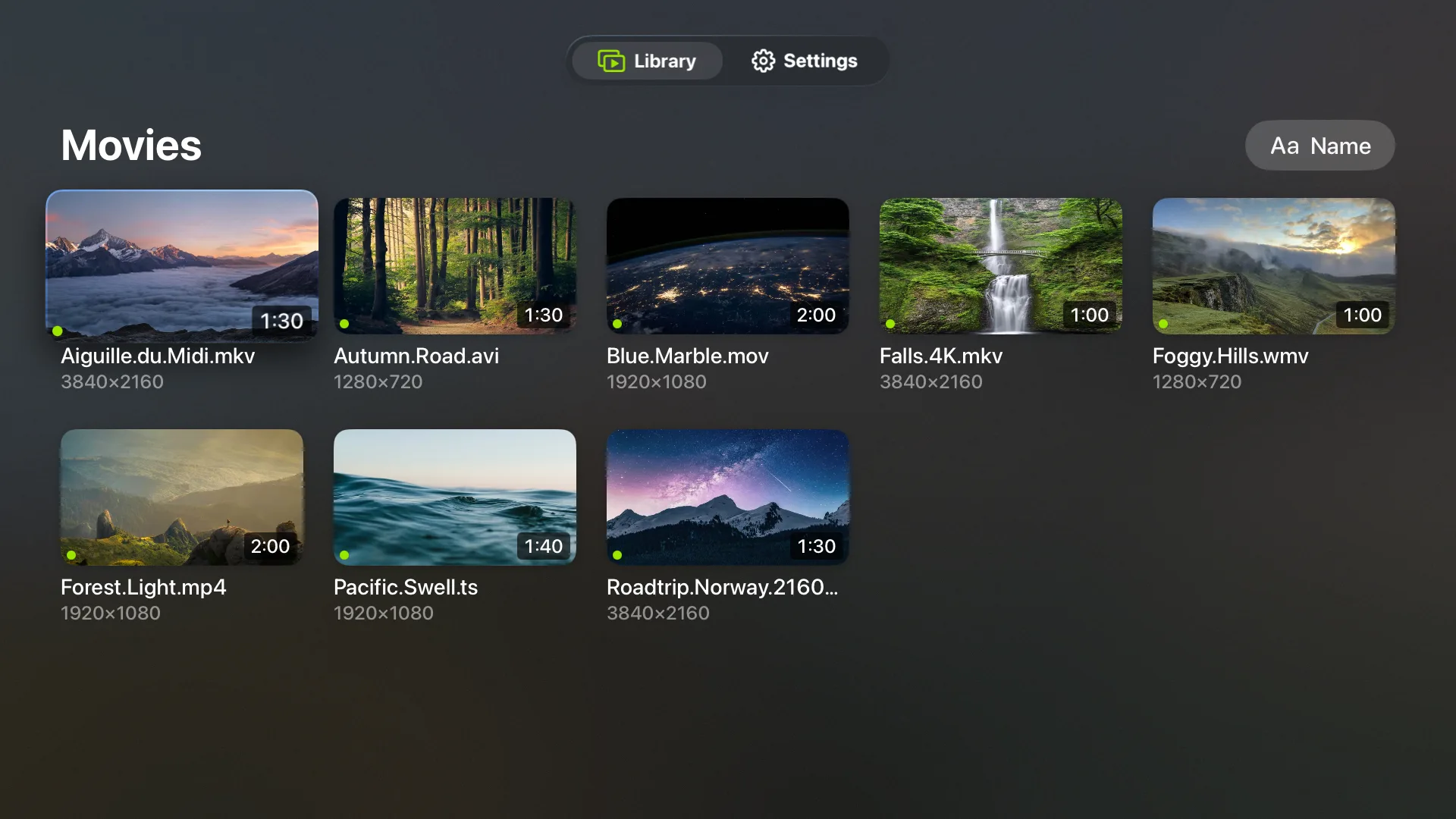
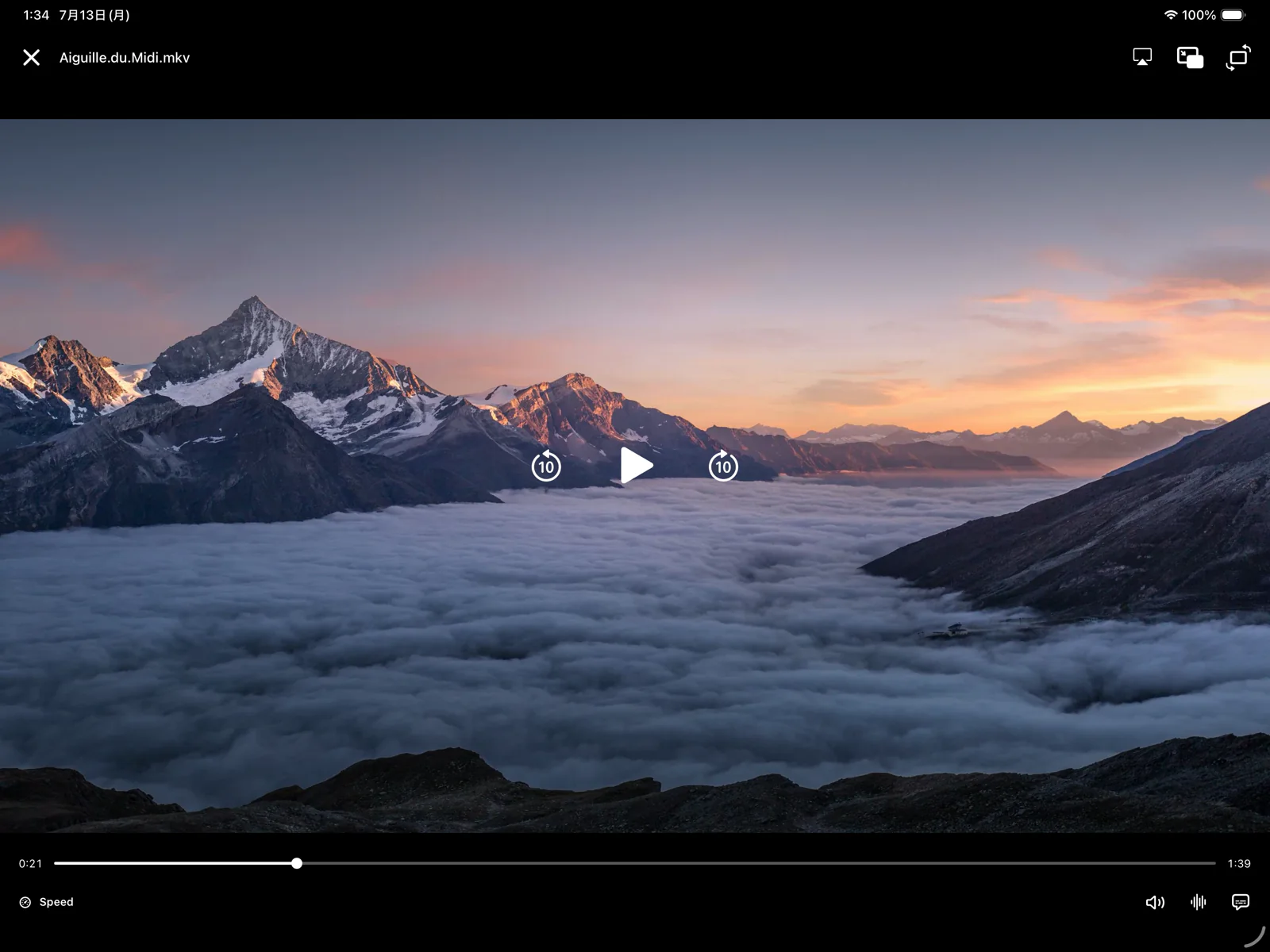
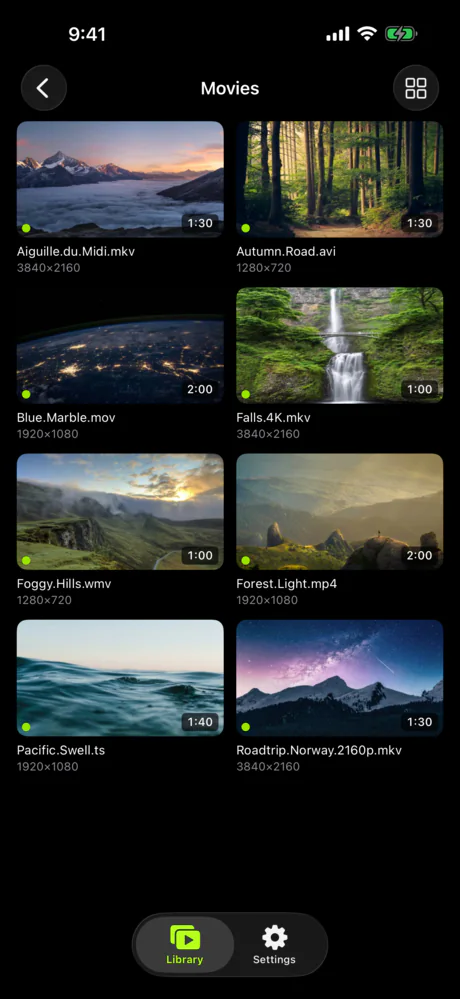
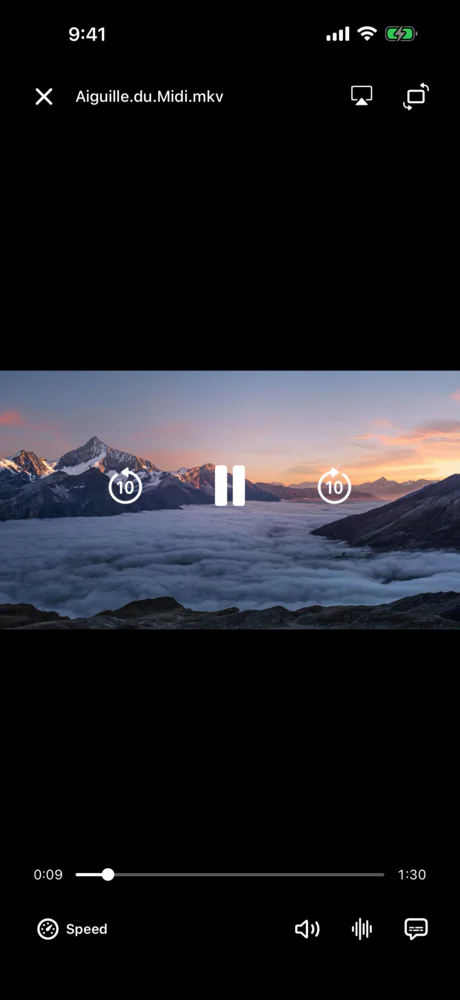
Neo Video runs on iPhone, iPad, Android, Apple TV, and Android TV. Each app is designed for the device, so browsing and playback stay fast and responsive.
Try it free. Unlock it once, keep it forever.
Download free, connect to your server, and watch three full videos with your own setup. One purchase removes the playback limit.
Connect to your server, browse your full library, watch 3 videos and all your photos.
Unlimited playback with a one-time purchase. There is no subscription. The purchase covers every device on the same store account, and no sign-up is required.
The Neo Video server for Mac, Windows and Linux is free. Purchases are per store: the App Store unlock covers iPhone, iPad and Apple TV; Google Play covers Android and Android TV.
Frequently asked questions
- Do I need to be technical to set this up?
- No. You install the server, pick the folders you want to share, and that's it. The setup guide covers every step.
- Is my data really never uploaded?
- Really. Your videos stream directly from your computer to your phone over your local network. There are no analytics, and nothing is ever sent to an external server.
- Can I watch away from home?
- Neo Video does not provide remote access or expose the server to the public internet. If you already use a VPN that can reach the computer running Neo Video Server, you may be able to add the appropriate VPN or LAN address manually. Setting up and troubleshooting your particular VPN is outside Neo Video support; see “Watching away from home” for the Neo Video steps.
- Which devices does it run on?
- iPhone, iPad and Apple TV from the App Store; Android phones, tablets and Android TV from Google Play. The free Neo Video Server runs on Mac, Windows and Linux.
- Does it work with Chromecast?
- No. Every Chromecast session requires both the app and the TV to contact Google servers. Neo Video does not make that connection, and we do not plan to add it. For TV playback, install Neo Video directly on Apple TV or Android TV. AirPlay from an iPhone also works.